

UniFi Network 10.4 is more than a routine software update. For businesses that rely on Ubiquiti UniFi infrastructure, this release brings meaningful improvements in routing, remote connectivity, network visibility, resiliency, and multi-site management.
That matters because today’s business network is not just “the internet.” It supports cloud applications, phones, WiFi, security cameras, payment systems, remote workers, guest access, backups, and often multiple locations. When the network is slow, unstable, or difficult to troubleshoot, productivity suffers quickly.
According to Ubiquiti’s official UniFi Network 10.4 announcement, this release focuses on routing, resiliency, VPN connectivity, infrastructure visibility, and large-scale site orchestration. Those themes line up closely with what many small and midsize businesses need from their network: less guesswork, better uptime, and clearer control.
UniFi Network 10.4 does not replace the need for careful network planning, but it does add tools that can make a well-designed UniFi environment easier to manage, easier to monitor, and easier to scale. Here are the updates business owners and IT decision-makers should understand before upgrading.
Enterprise Routing Moves Further Into UniFi Network 10.4
One of the most important changes in UniFi Network 10.4 is the continued expansion of enterprise routing inside the UniFi platform. Ubiquiti highlights native eBGP support for ISP peering, visibility into internal OSPF areas, and simplified workflows for more advanced routing deployments.
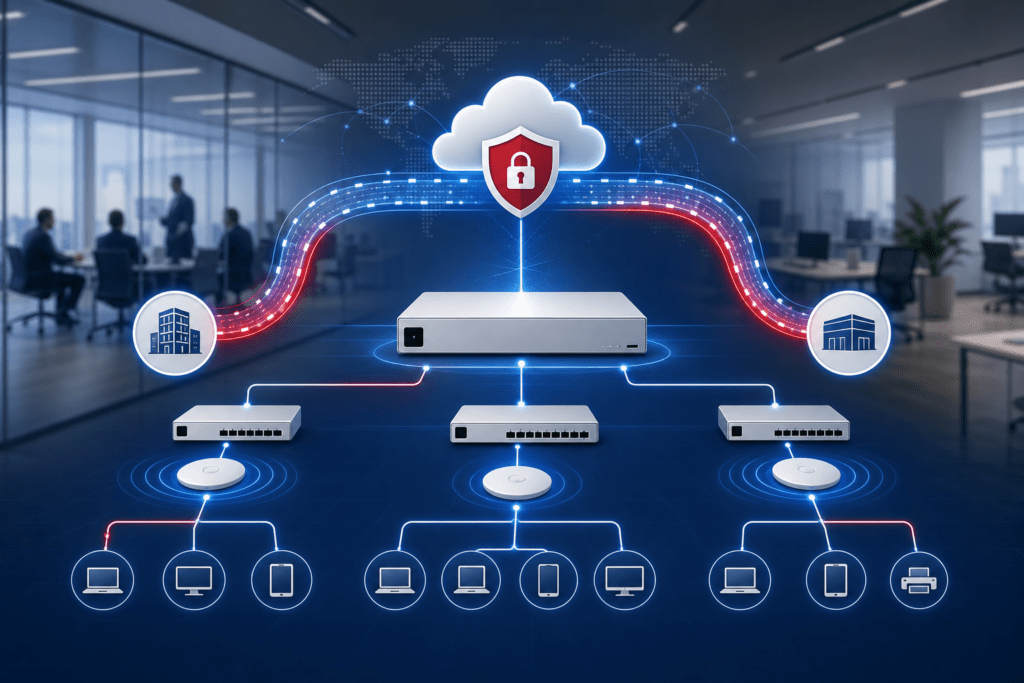
In plain English, UniFi is becoming more capable for businesses with complex connectivity needs. BGP and OSPF are routing technologies that help networks decide how traffic should move between locations, internet providers, and internal network segments. Many small offices will never need to configure these features directly, but organizations with multiple internet connections, multi-site operations, or stricter uptime requirements may benefit from the added flexibility.
The practical advantage is centralized control. A properly designed UniFi network may be able to handle some advanced routing needs with less dependence on separate routing tools. That can simplify management, but it also raises the stakes. Advanced routing is powerful; configured incorrectly, it can create outages just as quickly as it can solve problems.
Baychester’s recommendation is simple: treat advanced routing as a planning project, not a casual toggle. If your business is considering multiple WAN connections, ISP failover, or dynamic routing, the design should be reviewed before changes are made in production. For related planning and support, see Baychester’s Managed Network Services.
IPv6 and VPN Connectivity Get More Practical
IPv6 has been discussed for years, but many businesses still operate primarily on IPv4. UniFi Network 10.4 makes IPv6 easier to understand and adopt by adding automatic ISP dual-stack detection and clearer guidance when IPv6 is available.
The release also expands VPN flexibility with WireGuard VPN support over IPv6. WireGuard is a modern VPN protocol known for strong performance and simpler architecture compared with some older VPN approaches. For organizations that need secure remote access, support over IPv6 gives administrators another path as internet providers continue modernizing their networks.
Another important improvement is continued support for reliable remote connectivity behind CG-NAT. Carrier-grade NAT is common with certain cellular, fixed wireless, and consumer-style internet connections. It can make traditional inbound remote access difficult because the business does not receive a normal public IPv4 address. UniFi’s Teleport VPN options, including use with WiFiman and UniFi Travel Router, can help keep remote access practical in those environments.
For businesses, the takeaway is not “turn on every VPN feature.” The takeaway is that remote access should be designed intentionally. VPN access should be documented, limited to the right users, protected with strong identity practices, and tested before it is needed in an emergency.
Better Topology History Means Faster Troubleshooting in Unifi Network 10.4
UniFi Network 10.4 also improves infrastructure visibility by bringing historical interconnect insight into the topology workflow. This builds on the “time machine” style visibility introduced in earlier versions and puts historical network context where administrators are already looking.
That may sound technical, but it solves a familiar business problem: “What changed?”
A user may report slow WiFi. A security camera may drop offline. A phone may have poor call quality. A workstation may suddenly land on the wrong network. The cause might be a bad cable, a switch uplink change, a loop, a power issue, a port move, or a device that was quietly reconnected somewhere else.
Historical topology visibility helps administrators look back and understand how devices were connected at a specific time. That can reduce guesswork and shorten troubleshooting. For a business, faster root-cause analysis means less downtime, fewer repeated issues, and less frustration for employees.
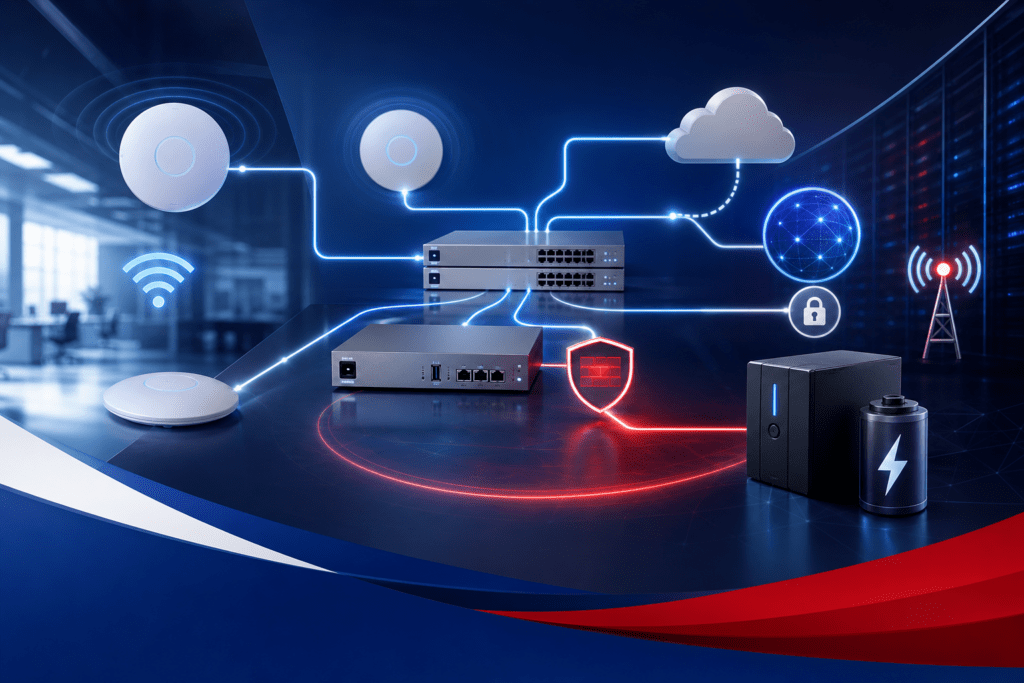
This is one of the strongest practical benefits of UniFi’s centralized management model. The more clearly the system can show what happened, when it happened, and where it happened, the easier it becomes to manage the network proactively. Baychester’s Remote Monitoring and Management services are designed around that same idea: catch issues earlier, reduce downtime, and keep business technology easier to operate.
5G and UPS Visibility Improve Business Resilience
UniFi Network 10.4 adds deeper visibility into 5G radio telemetry and improved UPS battery threshold controls. These may not be the flashiest features, but they are practical for businesses that care about uptime.
Cellular failover is becoming more common for organizations that cannot afford to be offline. Retail stores, medical offices, logistics companies, churches, and professional offices may all depend on cloud services, phone systems, payment processing, hosted applications, or remote access. If the primary internet connection fails, a 5G backup can keep critical operations moving.
Better cellular visibility helps administrators understand signal quality, bands in use, and radio health over time. That makes it easier to determine whether the cellular device is placed correctly, whether an antenna adjustment may help, or whether the backup connection is reliable enough for the business requirement.
UPS improvements matter for the same reason. A battery backup is not just about keeping equipment powered as long as possible. Sometimes the best strategy is controlled behavior that protects equipment during short interruptions or prevents unnecessary shutdowns. More control inside UniFi gives administrators another tool for matching power behavior to the real needs of the environment.
Multi-Site Management Gets More Consistent
For organizations with multiple locations, UniFi Network 10.4’s Site Manager blueprint synchronization may be one of the most valuable updates. Blueprints can help standardize configuration across deployments, including settings such as DNS policies, VLANs, and other network behaviors.
Consistency is critical in multi-site networks. If each location is configured a little differently, troubleshooting becomes harder, documentation becomes less reliable, and security gaps become more likely. Standardized guest networks, management VLANs, naming conventions, DNS policies, and access rules can make a major difference over time.
Blueprint synchronization points UniFi toward stronger fleet orchestration: define a standard and keep multiple sites aligned. That is useful for businesses with branch offices, campuses, warehouses, churches with multiple buildings, or organizations planning future growth. Baychester’s Network Infrastructure Management services support that same kind of reliable foundation for business operations.
Should Businesses Upgrade Immediately?
Not necessarily. New features are useful, but business networks should be updated carefully. Before moving to a major UniFi Network release, Baychester recommends a practical upgrade process:
- Review the release notes and known issues.
- Confirm compatibility with your UniFi gateway, switches, and access points.
- Back up the UniFi Network application configuration.
- Schedule the update during a maintenance window.
- Verify remote access before and after the upgrade.
- Check gateway, switch, and access point health after the update.
- Document any configuration changes made during the process.
For simple environments, the upgrade may be straightforward. For networks with multiple sites, VLANs, VPN users, guest WiFi, advanced routing, or limited downtime tolerance, it is worth slowing down and planning the update properly.
Baychester Can Help Plan and Manage UniFi Networks
UniFi Network 10.4 is a strong reminder that business networking continues to evolve. The platform is adding more enterprise-style capability while keeping the centralized UniFi experience that many organizations appreciate. But the best results still come from good design, clean documentation, secure configuration, and proactive monitoring.
Baychester Associates helps businesses across the Gulf Coast design, deploy, monitor, and manage reliable network infrastructure. Whether your organization needs better WiFi coverage, VLAN planning, guest network isolation, VPN access, multi-site consistency, or help preparing for a UniFi Network upgrade, BAI can help turn the technology into a practical business solution.
Learn more about Baychester’s network services:
Technology should make business easier to run, not harder to manage. With the right planning, UniFi Network 10.4 can be a useful step forward for businesses that depend on secure, reliable connectivity every day.
External source: Ubiquiti’s official UniFi Network 10.4 announcement is available at https://blog.ui.com/article/introducing-unifi-network-10-4.

Let us prepare your business for continuity now! contact Baychester Associates.
TECHNOLOGY MADE SIMPLE…